How Small Brands Can Use Real-Time User Data for Creative Social Campaigns
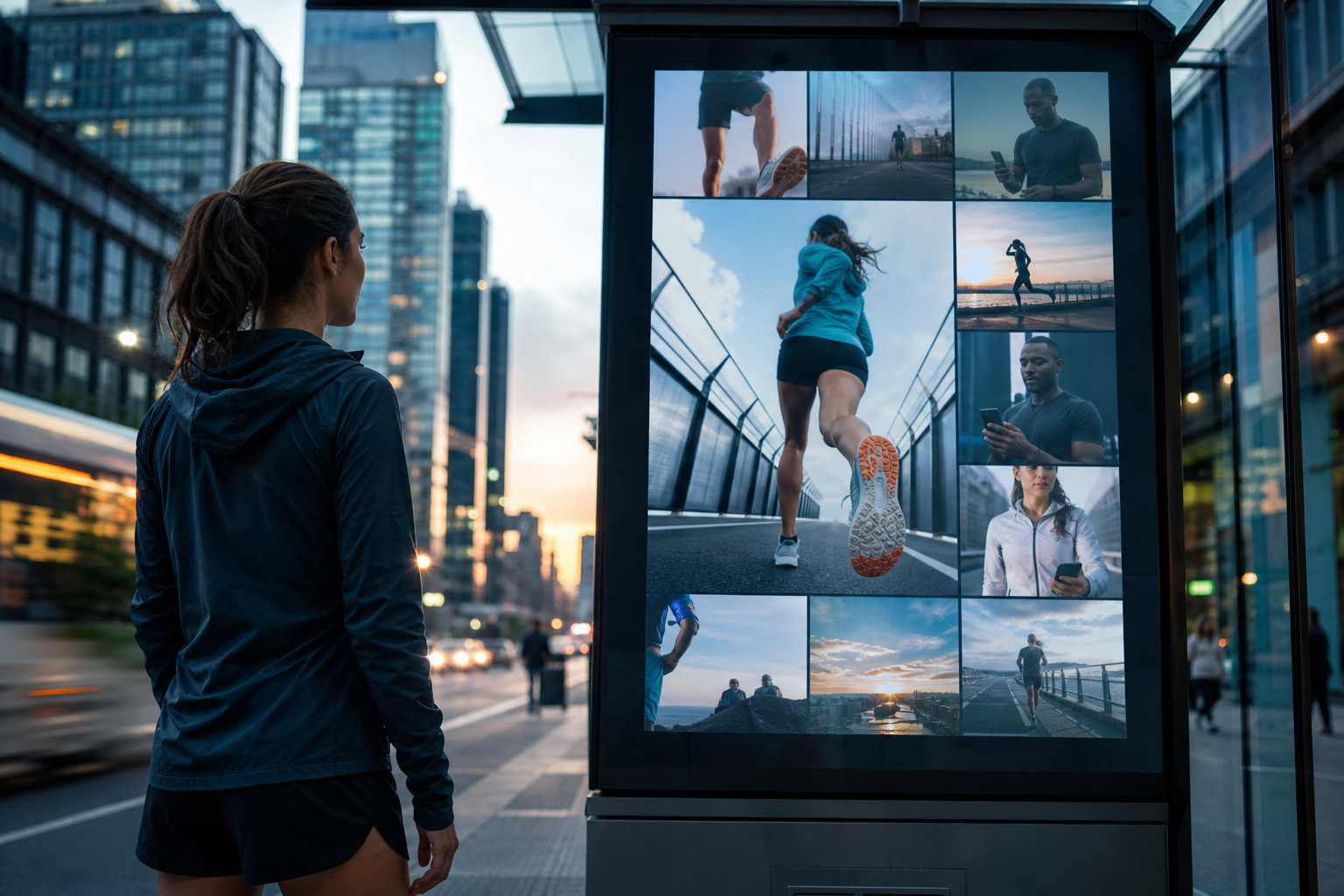
Imagine your brand’s next campaign featuring real-time customer stories, stats, or achievements—automatically transforming user activity into dynamic social posts or even digital billboards. Small businesses can now harness real-time user data to create interactive, hyper-personalized campaigns once reserved for the world’s biggest brands.
This approach is especially powerful for founders and small marketing teams looking to punch above their weight. With social media and digital out-of-home (DOOH) platforms evolving, even brands with lean resources can drive engagement and brand recall by integrating live user-generated content and behavioral data into their campaigns. If you want to maximize every marketing dollar and stand out in a crowded digital landscape, read on.
How to Build Interactive, Data-Driven Social Campaigns: Step-by-Step
- Define your campaign goal and audience. Are you aiming to boost engagement, drive foot traffic, or build community? Get specific about the user action or data you want to highlight (e.g., miles run, photos shared, check-ins).
- Identify the right data source. For Hoka, this was Strava running statistics. For your brand, it could be social media hashtags, app activity, customer reviews, or even location-based check-ins. Ensure you have permission to use and display this data.
- Choose your channels and format. Will your campaign live on Instagram Stories, TikTok, a DOOH billboard, or across multiple platforms?
- Automate data collection and content creation. Use tools or platforms that can pull user data in real time and generate creative assets (like dynamic images, leaderboards, or testimonial videos). An AI marketing operating system like Dathent can set this up in minutes, helping you plan, generate, and auto-publish content across all your channels.
- Engage your audience to participate. Make it easy and rewarding for users to contribute by using branded hashtags, running challenges, or offering shoutouts in your campaign creatives.
- Monitor performance and iterate. Use analytics to track engagement, reach, and conversions.
Before You Ship: Interactive Campaign Checklist
- Have you defined a clear, measurable campaign objective?
- Is your user data source reliable, and do you have permission to use it?
- Are your creative assets (images, videos, copy) tailored for each platform you’ll publish on?
- Have you set up automation for data collection and content publishing (if possible, through a platform like Dathent)?
- Is your campaign messaging transparent about data use and privacy?
- Have you prepared a plan to monitor engagement and make real-time tweaks?
How can small brands collect real-time user data without a custom app?
What platforms work best for interactive, real-time campaigns?
Do I need a developer to automate content creation from user data?
How can I ensure my campaign complies with privacy laws?
Automate Data-Driven Social Campaigns with Dathent
Dathent empowers small teams to create, schedule, and publish interactive campaigns driven by real-time user data—no coding or large team required. Set up user-generated content workflows, customize your brand voice, and watch your multi-channel campaigns run themselves. Ready to turn audience activity into creative content?
Try Dathent FreeSource: marketingdive.com