What Meta’s Updated Creator Dashboard Means for Small Marketing Teams
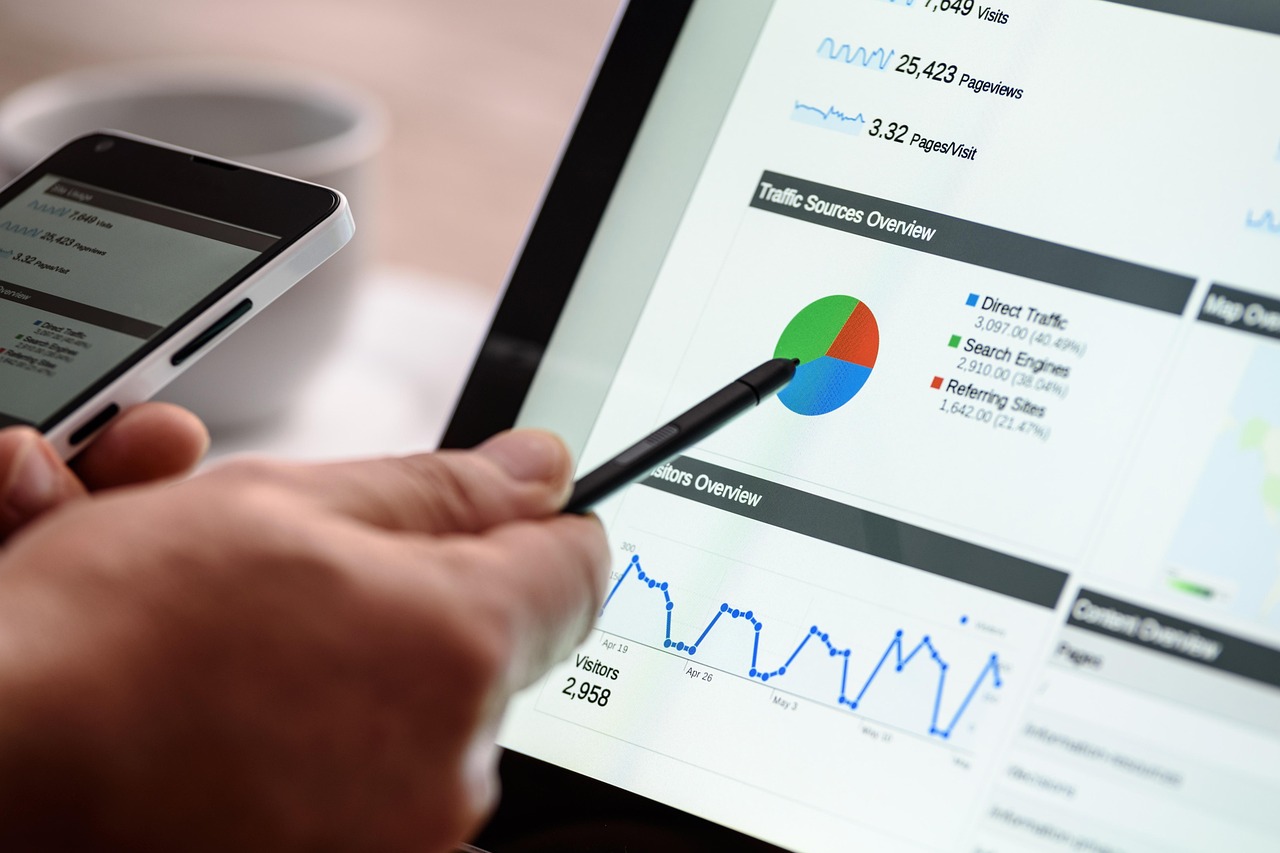
Meta’s updated Creator Dashboard promises to simplify social media management for small marketing teams and solo business owners by consolidating essential creator tools into a single, easy-to-navigate interface. This unified platform enables marketers to track content performance, manage engagement, and optimize their strategies across Meta’s family of apps, including Facebook and Instagram. By leveraging this streamlined dashboard, small teams can save valuable time and focus on growth-driving activities rather than juggling multiple tools.
This update is especially relevant for small businesses and solo marketers who often face resource constraints and need efficient ways to manage their digital presence. With social media platforms evolving rapidly and demand for fresh content growing, having a centralized dashboard that integrates performance insights, monetisation tracking, and content management is a game-changer. It applies when you want to optimize your content strategy without the overhead of large teams or complex software setups.
The steps
- Access the Creator Dashboard via the web by logging into your Facebook Page with the new Pages experience or your profile set to professional mode. The dashboard is available on both desktop and mobile.
- Familiarize yourself with the overview section, where you can track key metrics like reach, engagement, net followers, and 3-second video views over the past 90 days to understand your content's overall performance.
- Use the Content Library to review your past posts and dive deeper into content-level insights that help identify what resonates best with your audience.
- Manage community interactions efficiently with the Comments Manager, allowing you to search, reply, like, hide, or report comments across your posts in one place.
- Check your monetisation eligibility and track earnings if you qualify, using the Monetisation tab integrated within the dashboard.
- Leverage the AI-powered Creator Assistant recently introduced by Meta to get personalized growth insights, content recommendations, and automated engagement support, helping you refine your strategy without manual guesswork.
- Plan and schedule your content calendar within the dashboard or integrate with AI marketing platforms like Dathent to automate content generation, scheduling, and cross-posting across Meta’s platforms and beyond.
- Regularly monitor your progress using the dashboard’s performance summaries to adjust your content strategy and improve engagement based on real-time data.
Before you ship — checklist
- Ensure your Facebook Page is updated to the new Pages experience or your profile is set to professional mode to access the Creator Dashboard.
- Confirm that all your social media accounts are connected properly for seamless content management and performance tracking.
- Familiarize yourself with the dashboard’s key metrics and tools, including the Content Library, Comments Manager, and Monetisation tab.
- Set clear content goals aligned with your business objectives to guide your use of insights and AI recommendations.
- Consider integrating an AI marketing operating system like Dathent to automate content generation and scheduling, saving time and maintaining strategic consistency.
- Regularly back up your content and performance data to avoid any loss and to analyze trends over time.
- Review privacy and data settings to ensure compliance with your company policies and data security standards.
What is the Meta Creator Dashboard and who can use it?
How does the AI Creator Assistant in the dashboard help small marketing teams?
Can the Creator Dashboard manage multiple Meta platforms from one place?
How can AI marketing tools like Dathent complement the Meta Creator Dashboard?
Is the Creator Dashboard suitable for solo marketers and very small teams?
Automate and Optimize Your Content with Dathent
Combine the power of Meta’s Creator Dashboard with Dathent’s AI marketing operating system to effortlessly research your audience, generate on-brand posts, plan your content calendar, and auto-publish across Instagram, X, LinkedIn, Threads, TikTok, and more. Save time and grow strategically without a big team.
Get Started with DathentSource: socialmediatoday.com