Adobe Enhances Photoshop with AI-Powered Features
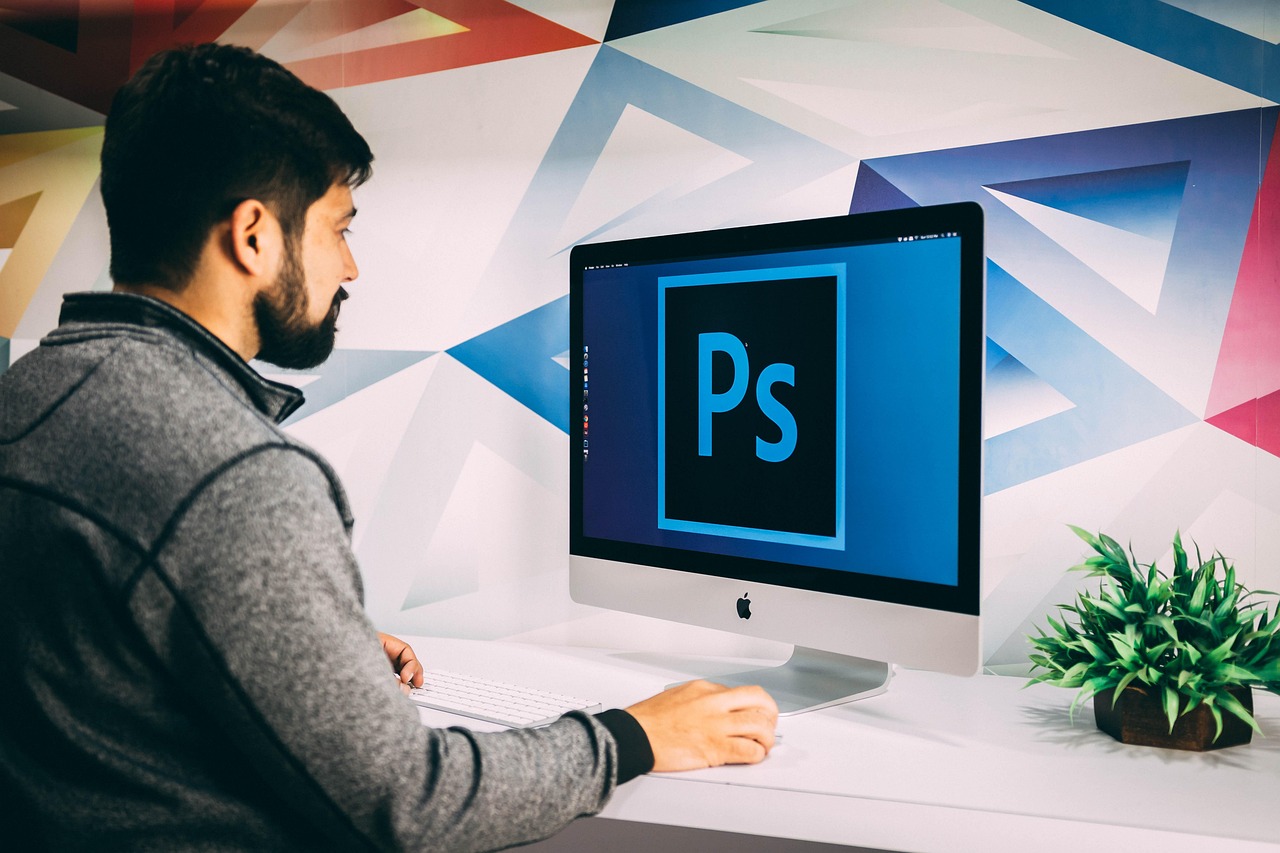
Adobe is revolutionizing the creative process with its latest update to Photoshop, incorporating more AI-powered features to streamline editing and enhance visual content. The new 'AI Assisted Editor' interface puts AI features in a simplified toolbar, making it easier for users to access and utilize these tools.
What's New in Photoshop's AI-Powered Update
The 'AI Assisted Editor' view will show all of Photoshop's AI features in a single toolbar, including its prompt-based image editor, background remover, AI image extender, and more. This interface is optional, allowing users to choose when to use AI-powered tools and when to stick with traditional editing methods.
AI-Powered Editing Features
One of the most exciting new features in Photoshop's AI-powered update is the 'markup' feature, which allows users to draw directly on an image to show Photoshop's AI assistant what they'd like to change. This means users can 'select areas to recolor, sketch arrows to indicate position, or brush in rough shapes to suggest new elements' without using a text prompt.
Instruct Edit with Masks
Adobe is also launching an update to its 'Instruct Edit with Masks' feature, which lets users edit a mask using natural language prompts. This feature uses Adobe's Firefly Image 5 model, which now understands the entire context of an image, allowing users to describe what they'd like to change, such as opening closed eyes or placing a hat on someone's head.
What are the benefits of Adobe's AI-powered update to Photoshop?
Will the 'AI Assisted Editor' interface be mandatory?
How does the 'markup' feature work?
What is the Firefly Image 5 model?
Try Dathent Today
With Dathent, you can streamline your content creation process and focus on what matters most – creating amazing content. Try Dathent today and discover how it can help you enhance your visual content and take your marketing to the next level.
Sign Up for a Free Trial